Projects & Job Records
Create and organize projects, keep key job details together and return to a clear project history whenever needed.
Build Book gives contractors, site supervisors and small builders one focused mobile workspace for projects, site diaries, materials, labour, expenses, tasks, estimates and professional reports.
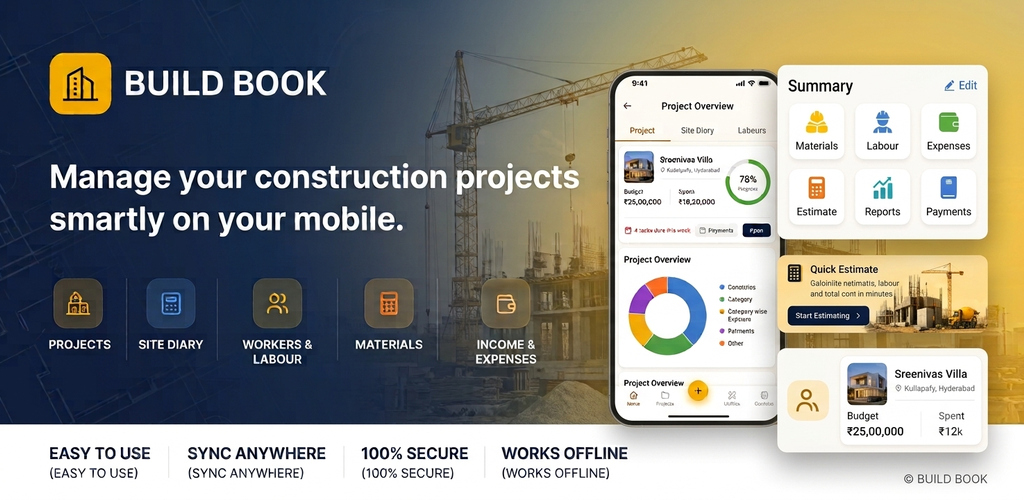
Instead of scattering project information across notebooks, chats and spreadsheets, Build Book keeps day-to-day construction records in one practical mobile workflow.
Create and organize projects, keep key job details together and return to a clear project history whenever needed.
Capture day-to-day site notes, progress context and visual documentation so important details are not lost.
Track material usage and labour records alongside the project they belong to instead of maintaining disconnected lists.
Maintain practical visibility into income, expenses, bills and receipts as the project moves forward.
Use building-cost estimate workflows and planning notes to keep early decisions closer to project execution.
Generate professional reports in formats that can be shared, archived or used outside the app when needed.
Build Book Pro unlocks premium workflows through Google Play subscriptions. Weekly, Monthly and Annual options are available, with pricing localized by Google Play for the user’s country.
Add project information, diary entries, materials, labour, tasks, expenses and supporting records while work is happening.
Use project and monthly views to understand what has happened and keep the project history usable over time.
Create polished report files for clients, teams, records or further analysis without rebuilding the same information elsewhere.
The current page uses official Build Book artwork. Once final app screenshots are added, this section will become a richer phone-based product showcase with real project, diary, estimate and report screens.